Run your first scan
The free link checker reads your published pages and the links between them, then lists the posts nothing links to, the ones that link nowhere, and the broken links. It needs no account and changes nothing on your site.
Steps
Open the free link checker
Go to the free link checker. You don’t need an account or an email address, and nothing on your site changes.
Type your site’s address and press Find my unlinked posts
Type your site’s address, such as
yourblog.com. You can leave offhttps://. To check one part of a site only, type the folder, such asyourblog.com/blog/. Then press Find my unlinked posts.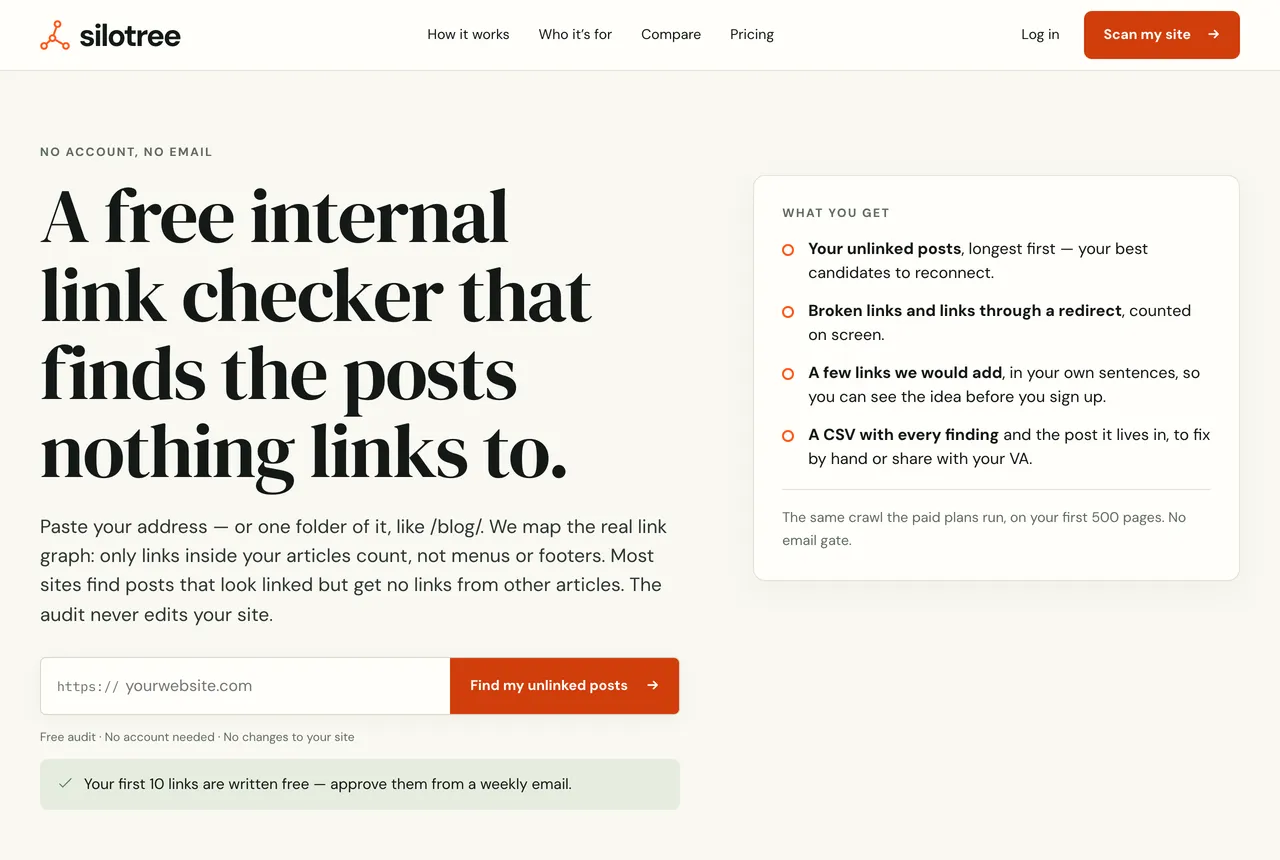
The free link checker. Type the address without a port number or a password in it. Wait while it reads your pages
The page shows each stage as it goes: In the queue, Reading your pages with a count of addresses read, Mapping the links between articles and Writing up your audit. A small site takes a minute or two; a big one can take several minutes, because the crawler slows down whenever your server is busy.
If you don’t want to wait, type an email address under Email me the result and press Email me. It is used for that one email and then deleted.
Read your audit
The audit opens on the same page. It reads up to 500 pages and counts only links inside your articles, not your menus or footer.
- Unlinked posts: posts no other article links to. Readers and search engines can only reach them from archives, search or the sitemap.
- Dead ends: posts that link to none of your other posts.
- Broken internal links: links to pages that are not there.
- Average click depth: how many clicks your pages are from the home page, following links in your writing.
- Links through a redirect and Pages read.
Below the figures are up to three links Silotree would add, and your longest posts that nothing links to. Export findings as CSV downloads every finding.
What you should see
A page headed Your audit with the number of pages read, the six figures, and the posts most in need of a link. To keep it and approve the links it found, create a free account from the button under the audit — see sign up and claim your scan.
If it doesn’t work
- “That address cannot be scanned”
The checker only reads public
httporhttpsaddresses. Remove any username, password or port number, and don’t uselocalhostor a private network address: the crawler runs on the internet and cannot see your computer.- “We could not find yoursite.com”
The domain does not resolve. Check the spelling, and that the site is live and not behind a “coming soon” screen.
- “That site could not be read”, or only a few pages were read
Something stopped the crawler: robots.txt, a firewall or a security plugin. Follow fix a crawl that was blocked or stopped short.
- “That is a lot of scans. Try again in a few minutes.”
You can run three scans an hour across the checker and the free tools. A mistyped address doesn’t count.
- “That site belongs to a Silotree account”
Somebody has already added this site to an account. Sign in to that account to scan it, or contact support if you think it is yours.
- Pages read says “The free scan’s limit — there are more”
Your site has more than 500 pages. The audit covers the first 500 the crawler reached. Paid plans read more — see plans and limits.
For what to do with an unlinked post once you’ve found one, read how to find and fix orphan pages.
Questions
How many pages does the free scan read?
Up to 500. Paid plans read more on every scan: 5,000 on Solo, 20,000 on Studio and 50,000 on Agency. If your site is bigger, the result says the scan stopped at the limit.
Can I scan just my blog folder?
Yes. Type the folder, such as yoursite.com/blog/, and only pages under it are read.
Does the scan change anything on my site?
No. It only reads public pages, the way a search engine does. Nothing is written until you install the plugin and approve a link.
How many scans can I run?
Three an hour, shared across the link checker and the free tools. A mistyped address does not count.